Choose what to flag
Set several preferences, such as ingredients you avoid or nutrition details you care about. Change them whenever you like.
A CLEARER LOOK AT THE LABEL
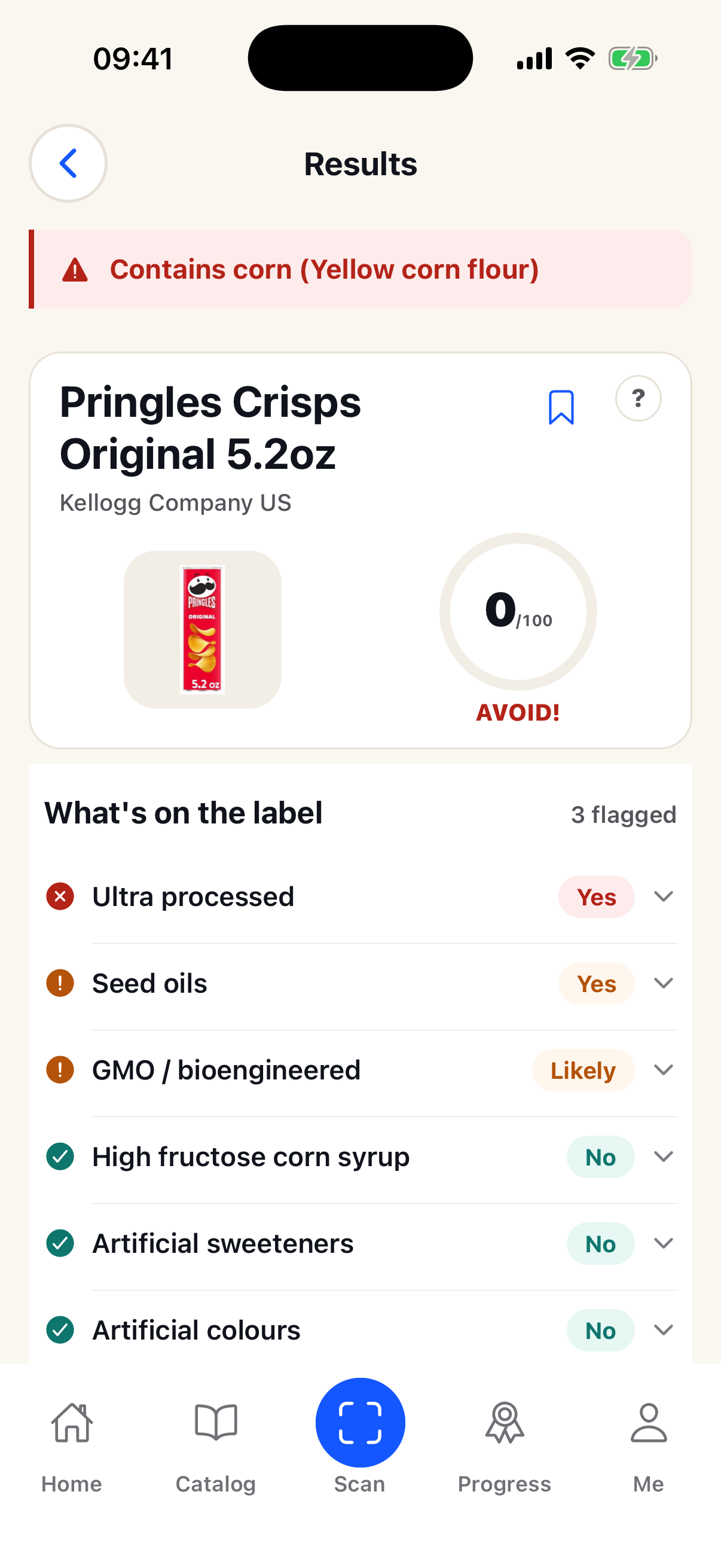
Clairescans reads product details and puts them beside the preferences you choose. You stay in control of what counts as a good fit.
HOW TO USE IT
Choose more than one preference and Clairescans keeps them in view as you scan.
Set several preferences, such as ingredients you avoid or nutrition details you care about. Change them whenever you like.
Scan a barcode for a catalog match, or take a clear photo of the ingredients and nutrition panel.
Review the details Clairescans read alongside your preferences. Check the package if a detail is unclear.
READY WHEN YOU ARE
Get Clairescans and choose the preferences you want to keep in view.
Get the app